
Getting Started: this is the first in a series of posts aimed at an academic audience (both students and faculty) who are dipping their toes into programming. The content should also be accessible to other readers, but there will be some advice that's specific to the academic context.
What do Shakespeare, Hindu scriptures, Ovid, Paul Verlaine, ragtime music, "London Bridge is Falling Down", the Tanakh, and Hermann Hesse have in common? They make up just some of T. S. Eliot's "fragments I have shored against my ruins"; the patchwork of borrowed, invented, and reworked text that makes up his celebrated poem The Waste Land.
And what does that have to do with programming? Well, like Eliot's magnum opus, much
(perhaps most) software written today is a collage. Its sources aren't religious
texts and classic poetry and popular music, but pre-existing code, StackOverflow suggestions, and
Google.
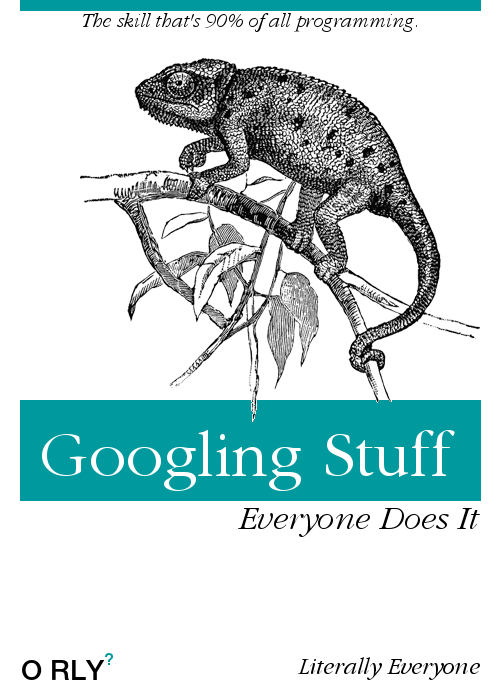
If you're new to programming, you may feel that you're cheating when you
Google for answers or reuse someone else's code, but successful, experienced developers will tell you that this is a major part of their
workflow. The successful programmer isn't a Wordsworth, wandering in splendid
isolation as original poetry forms itself from nothing but the mind's solitary
workings.
And let's be honest, some of Wordsworth's best bits were
actually produced collaboratively with his
sister. The successful programmer is an Eliot, patching together
"a heap of broken images"
The Waste Land, I. l. 22. , reworking what's old into
something uniquely new.
When you start learning to program, one of the biggest Googling problems you'll face is not that the answers aren't out there. Tutorials, code snippets, blogs, and fora like StackOverflow will have all the answers you could possibly need when you're putting together your first programs. No; your biggest problem in Googling for help will be knowing the right questions to ask. You need to know some of the basic concepts of programming, in order to form a Google search that will give useful answers. Think back to your time as an undergraduate. If you're anything like me, you spend a lot of wasted time looking for relevant papers to read because you didn't know the technical term for the phenomenon you wanted to study. Okay, yes, this still happens to me, twenty years after I started undergrad.
The aim of this series of blog posts is to help you get up to speed with some useful terms and concepts, so that your Googling will be as productive as possible. I'll talk about these concepts independently of specific programming languages, as far as possible, so you should be able to apply what you learn to whichever language you choose.
This first post will introduce some top-level concepts, while later posts will go into more detail about those concepts. The series will cover the following:
(I'll add a link to each section as it's posted.)
Let's get started with a little advice about your setup for writing code. Most importantly, you'll need a plaintext editor. When you've been programming for a while, you may want to look at Integrated Development Environments (IDEs) that are specific to the language you work with. IDEs offer many benefits, but are correspondingly more complicated to get to grips with. A text editor will provide all that you need for your early forays into code. Word-processing applications like Word create rich text, with a variety of hidden information to do with things like formatting. They can't save source code in the right formats. (Just as a Word document usually has the extension .docx, and image files have extensions like .jpg or .gif, source code will have an extension that shows which programming language was used to write it. Python source code files end with .py; Perl files end with .pl; and so on.)
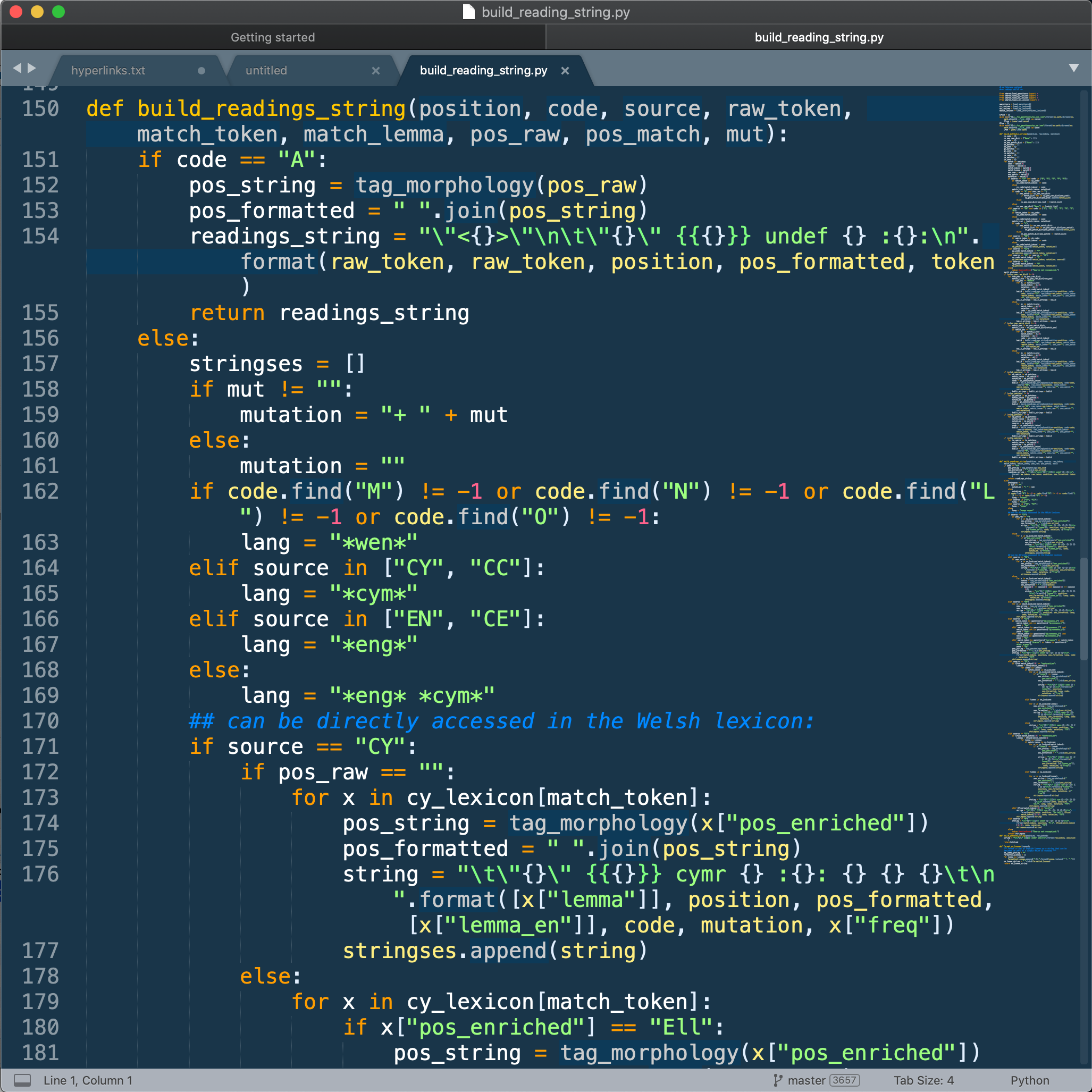
My favourite text editor is Sublime Text 3. On Windows and Linux, I've also used Notepad++, which is free and open source. Both offer syntax highlighting for a lot of programming languages. This means that the editor will change the colours of different parts of your code, so that it's easier to read (and, often, easier to see if you've made mistakes). In both editors, you can configure the colour scheme according to your own preferences.
You will want to become comfortable with using the command line, in order to run your code. This tutorial is really good, though the tone can be a little aggressive at times! The command line is quite easy to use once you get the hang of it. My one piece of advice is this: don't do anything to your data using the command line without saving a backup of the data. If you're mainly used to using an Office suite or similar, you may expect that you'll have the chance to confirm things like file deletion or overwriting a file. On the command line, it's very possible to make significant changes to files without being given any warning. Backing up your files and folders before you start making changes to them is always a very good idea, but particularly so when you're working on the command line.
Writing comments in your code is one of the major contributors to its readability. Programming languages all have their own way of indicating that a line of text should be ignored by the computer, allowing you to write comments about what your code is meant to do. Comment *everything*. I promise you, if you walk away from your code on a Friday and come back on a Monday, there's a high chance you won't remember immediately how all of it works!
Commenting makes your code much easier to write, because you're not going to spend hours puzzling over why you wrote that line, or what this variable does. It also means that other people can read your code much more easily. Even if you don't intend to share your code, well-commented code will find you more willing assistance from people if you need to ask for help. And you should assume that you'll need to ask for help! Find a community of others using the same programming language as you, either in real life (perhaps at your college or university), or online (I love Twitter for this kind of supportive community).
So what does commenting look like? Since I'm assuming no prior knowledge of
programming here, I'm going to illustrate by writing programmer-type comments on a
cooking recipe, written in lightly-formatted pseudo-code. We'll assume that the
"programming language" I'm using requires me to begin comment lines with the symbol
%, and that --> is how this "language" indicates the
end-result of a procedure. (So mix chocolate + nuts --> choc-nuts means
"mix chocolate and nuts to get the result choc-nuts".)
%% A simple recipe for no-bake coconut treats.
Coconut Joys:
%% Here are all the ingredients you will need.
	Declare Ingredients:
%% Coconut must be shredded.
		coconut * 1.5-cups
%% Sugar must be confectioner's type.
		sugar * 1-cups
		melted-butter * 0.25-cups
%% Dark chocolate gives best results.
		melted-chocolate * 1-ounce
%% Only tested withe pecans so far.
		chopped-nuts * 2-tbsp

%% Follow these steps in order.
	Describe Procedures:
		combine coconut + sugar + melted-butter
			--> mixture;
		form mixture
			--> coconut-spheres;
%% Spheres should be * 1-inch; maybe write tests for this?
		for each coconut-sphere:
			indent coconut-sphere
				--> sphere-indented;
%% The preceding step creates an indentation
%% for the melted-chocolate in the next step.
		for each sphere-indented:
			fill sphere-indented + melted-chocolate
				--> filled-coconut;
		for each filled-coconut:
			sprinkle filled-coconut + chopped-nuts
				--> final-coconut;
%% The next step is needed to set the chocolate.
		refrigerate final-coconuts;
			--> coconut_joys.

		Recipe source.
As you can see, comments can be written informally, using normal language. You can also (usually) use any words and punctuation characters in comments; as we'll see in later posts, some words have special functions in the code itself, and only certain characters can be used for naming variables, objects, and other things in your code itself.